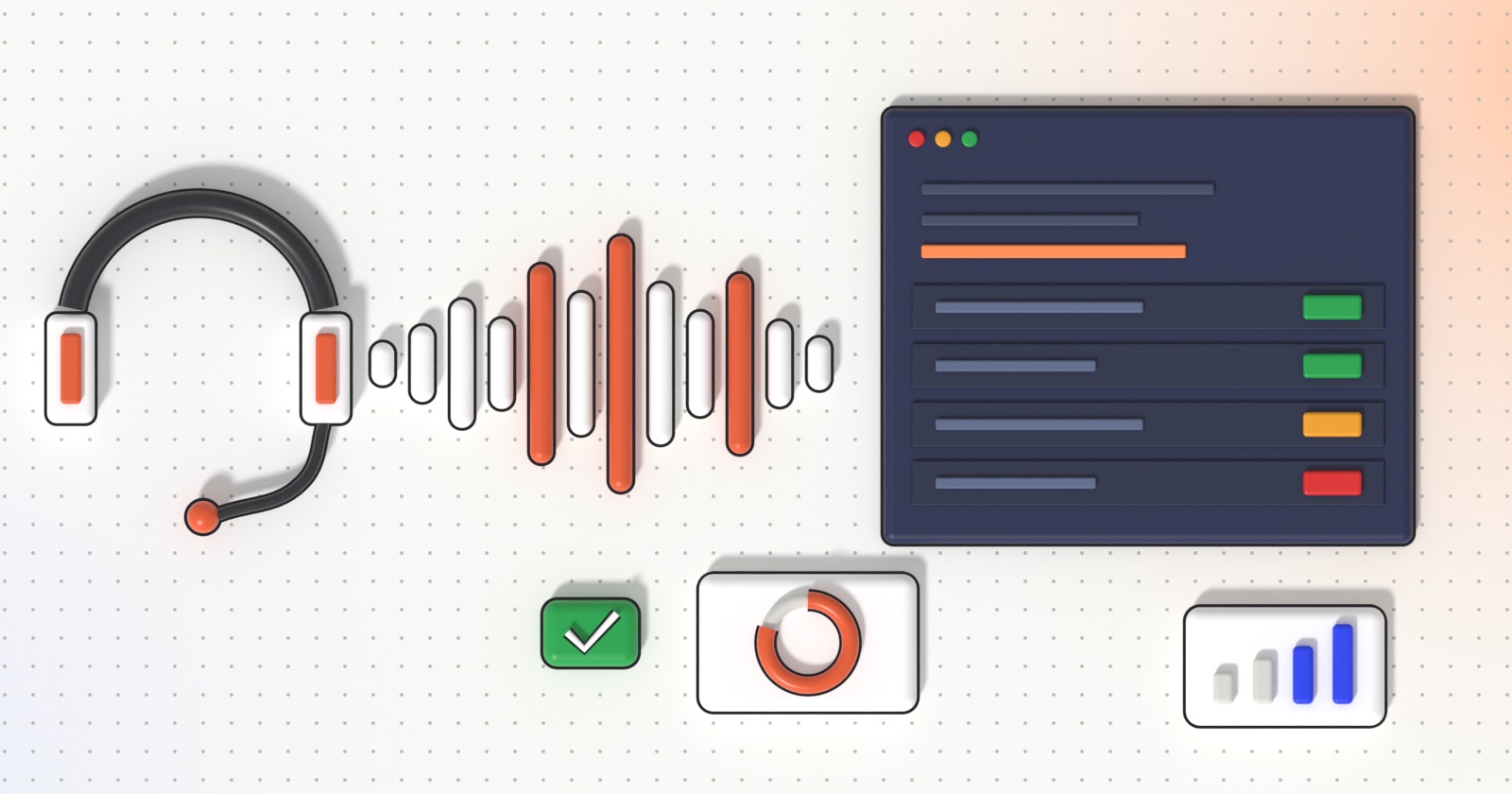
- Call transcription and AI call analysis turn every recorded call into text, a score against your own criteria and evidence you can quote, instead of a few calls listened to at random.
- For call centers, it means quality assurance, script and compliance checks and coaching based on 100% of conversations, not a sample.
- For companies that outsource customer service, it gives an independent, fact-based view of the provider’s quality, compliance and SLAs on every call.
- Start small: one campaign, a handful of clear criteria written in plain language, a calibration against your human QA, then scale.
Every call center records its calls, yet very few of those recordings are ever heard again. Quality teams listen to a handful of calls per agent per month, write a score, and hope the sample was representative. Call transcription and AI call analysis change the economics of that work: every recorded conversation can be converted to text, checked against your own quality grid and summarized, so that decisions rest on all calls instead of a few. This is exactly what SavvyTalk, the call analysis product built by 123 Consultancy, is designed for.
In a previous article we gave an overview of contact center AI, from transcription to real-time assist and AI voice agents. This guide goes deeper on one part only: post-call transcription and analysis, and what it concretely brings to two audiences, call centers themselves and the companies that outsource their customer service to them.
Why sampling a few calls is no longer enough
Manual quality monitoring has three structural limits, whatever the skill of the people doing it:
- Coverage: a supervisor can only listen to so many minutes a day. Most calls are never reviewed, so most problems are never seen.
- Selection bias: the calls that get reviewed are picked at random or because something already went wrong. Neither tells you what is happening on an ordinary day.
- Weak evidence: a score without the exact sentence that justifies it is hard to discuss with an agent, a team leader or a client.
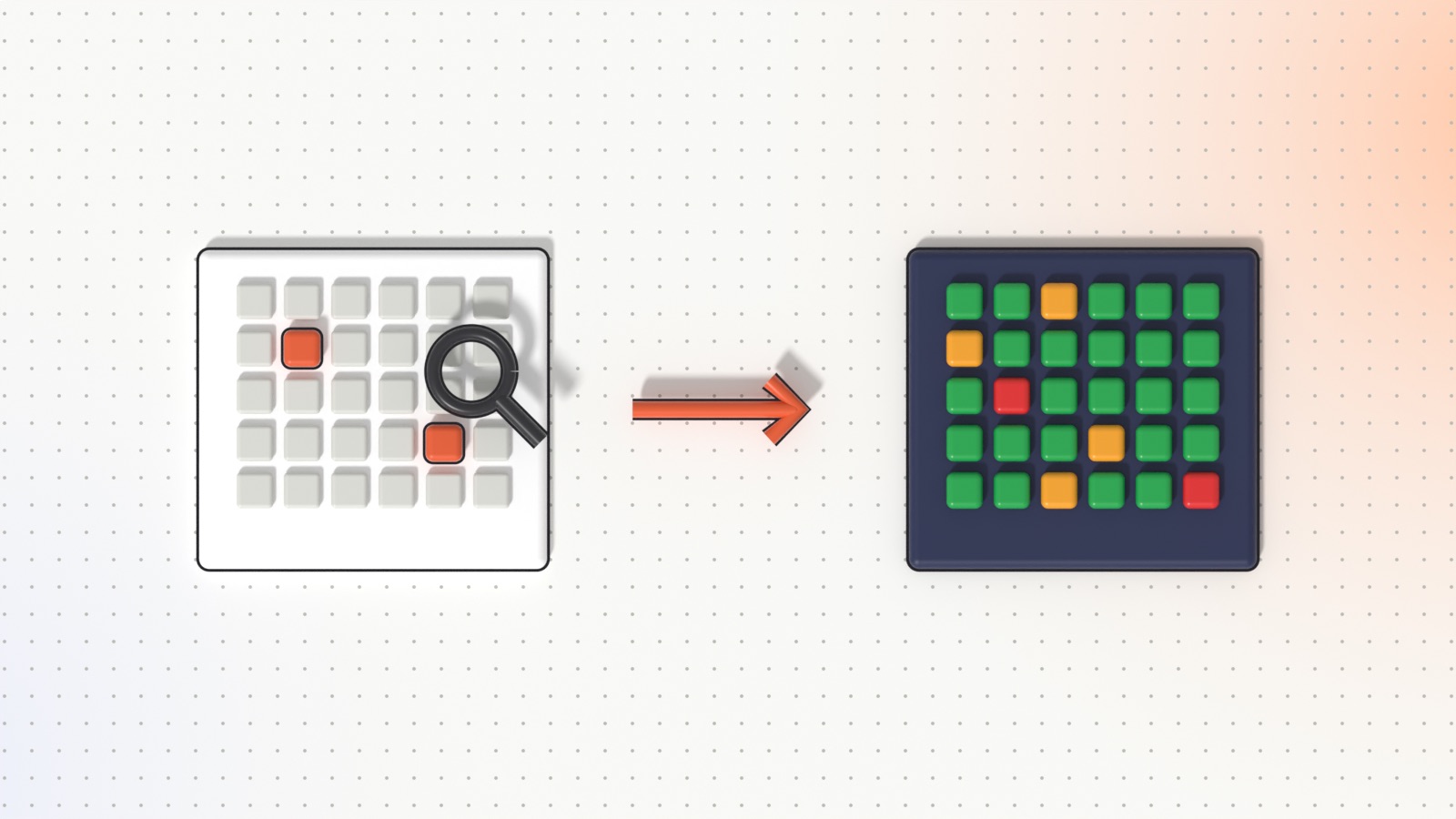
When every call is transcribed and analyzed, the question changes from “was this call good?” to “where, how often and with whom does this problem happen?”. That is the real added value: not a faster version of the old process, but a different level of visibility.
What call transcription and AI call analysis actually do
Behind the buzzwords, the process is simple and works on the recordings you already have:
- Collection: recordings are picked up automatically from your call platform, or sent through an API, together with metadata such as agent, phone number, duration and record ID.
- Transcription: a speech recognition model converts the audio to text. Long calls are split into segments and processed in parallel.
- Analysis: the transcript is assessed against the criteria you define for the campaign. For each criterion, the AI gives a verdict, a justification and the exact quote from the call that supports it.
- Management: results feed dashboards, agent views, progress reports and exports that supervisors, quality managers, trainers and management use every day.
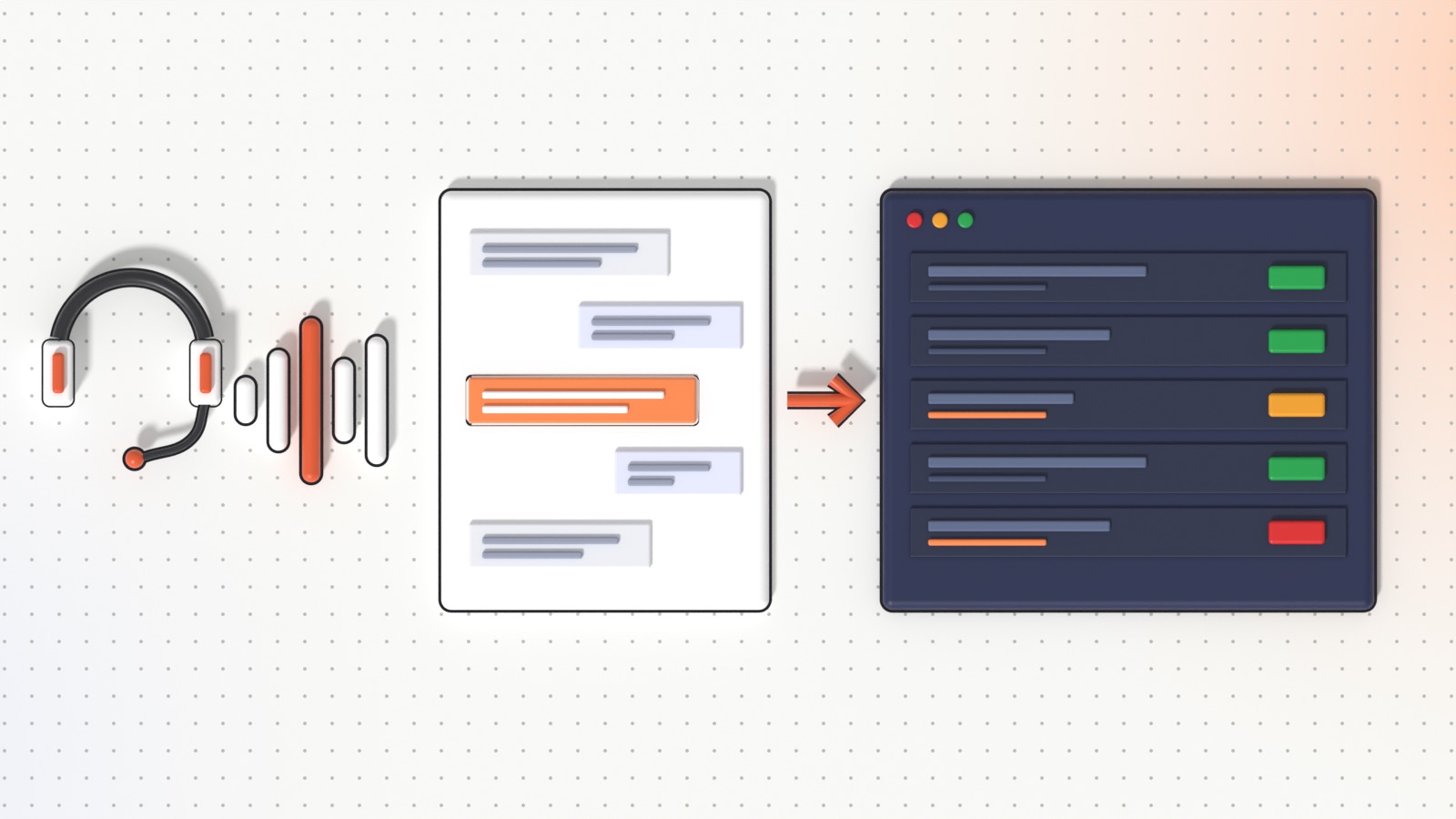
The key difference with older speech analytics tools is that the criteria are written in plain language, exactly as your quality grid is written today, rather than as lists of keywords to detect.
Use cases for call centers
Quality assurance on 100% of calls
Your existing quality grid becomes the analysis configuration. Every call gets the same checks, applied the same way, on day shifts and night shifts alike. Quality analysts stop spending their time listening and start spending it on what the data reveals: recurring weaknesses, outlier agents, campaigns that drift.
Script adherence and compliance
Mandatory steps such as greeting and identification, legal mentions, consent wording, the offer presentation or the closing summary can each become a Yes/No criterion. Because every verdict comes with a quote, you can show precisely what was said, or note that the required sentence was absent.
Coaching based on facts
Instead of a monthly score, a trainer can see an agent’s recurring weaknesses over a period, ranked by how often they occur, with concrete examples from the agent’s own calls. Coaching sessions become shorter and more specific, and progress can be checked on the next batch of calls.
Lead and outcome qualification
For outbound and sales campaigns, each call can be qualified automatically, for example valid or not valid as a lead, or classified into the outcome list you define (interested, call back, not eligible…). Sales teams then work from qualified lists rather than raw call logs.
Understanding why customers call
Once all calls are searchable text, recurring questions, objections and complaints become visible. A List metric such as “main reason for the call” turns thousands of conversations into a distribution you can act on: fix a process, update a FAQ, adjust a script.
Launching new campaigns faster
A configuration that works for one campaign can be saved as a template and reused, so a new operation starts with a proven set of criteria instead of a blank page.
Use cases for companies that outsource customer service
If you outsource your customer service or sales calls to a call center (a BPO), you are accountable for an experience you do not directly control. Contracts specify quality levels and SLAs, but in practice the client often relies on the provider’s own reports and on a few calls listened to during review meetings. Call analysis on 100% of calls rebalances that relationship.
- A shared, written definition of quality: the criteria you configure are the quality clauses of your contract, written in plain language. Provider and client look at the same grid and the same results.
- Independent measurement: the verdicts are produced by the same rules on every call, not by a reviewer working for one side.
- Compliance you can prove: for regulated activities such as financial services, debt collection, telecoms or insurance, every mandatory mention can be checked on every call, with the quote as evidence.
- Brand and tone: you can check how your brand is presented, whether promises made on the phone match your policies, and how customers are treated when they complain.
- Fair comparison between providers or sites: when several call centers or teams handle the same campaign with the same criteria, their results become directly comparable.
- Better business reviews: monthly reviews move from opinions to trends: which criteria improved, which agents need support, which call reasons increased.
- Faster resolution of disputes: when a customer complaint or a disagreement arises, the transcript and the quoted passage settle the facts quickly.
In practice, the provider can let the collection agent pick up recordings from its call platform, push recordings through the API, or upload them manually. Access is organized by operation, so each user only sees the operations they are given access to.
The best results come when client and provider agree on the criteria together. Analysis on 100% of calls is not a tool against the provider: it gives a good provider a way to prove its quality, and both sides a common factual basis for improvement.
Which KPIs can you track?
The point of AI call analysis is that the indicators are yours. Each criterion can be measured in one of three ways: a Yes/No answer, a number within a range (for example a score from 1 to 5), or one value from a list you define. Some typical examples:
| Indicator | How it is measured | Mainly useful for |
|---|---|---|
| Greeting and identification done | Yes/No | Quality, compliance |
| Mandatory legal mentions read | Yes/No, one per mention | Compliance, BPO client |
| Script steps followed | Yes/No per step, or number of steps completed | Quality, training |
| Customer need correctly identified | Yes/No | Quality, coaching |
| Empathy and courtesy | Number (for example 1 to 5) | Coaching, customer experience |
| Customer sentiment at the end of the call | List (positive, neutral, negative) | Customer experience, BPO client |
| Agent let the customer speak (talk-to-listen balance) | Yes/No or number | Coaching |
| Objection handled | Yes/No | Sales, coaching |
| Call outcome | List (sale, appointment, call back, refused…) | Sales, management |
| Lead validity | Valid / not valid | Sales, BPO client |
| Reason for the call | List | Management, product, customer service |
On top of these call-level criteria, dashboards show volumes, the valid-call rate and the breakdown of each metric by agent, campaign and period.
Before and after: what concretely changes
| Manual sampling | Transcription and AI analysis | |
|---|---|---|
| Coverage | A few calls per agent per month | Every recorded call of the operation |
| Which calls are reviewed | Random, or after an incident | All of them, with the same criteria |
| Consistency | Depends on the reviewer and the day | Same rules applied to every call |
| Evidence | A score and a reviewer’s notes | A verdict, a justification and the exact quote |
| Detecting a recurring issue | Often weeks later, if at all | Visible in dashboards as calls are analyzed |
| Coaching | Generic feedback on a few calls | Weaknesses ranked by frequency, with examples |
| Outsourced service (BPO) | Provider’s reports and occasional call reviews | Shared criteria and results on 100% of calls |
| Finding a specific call | Searching recordings by date and agent | Search and filters across all transcriptions |
| Supervisor time | Mostly spent listening | Mostly spent acting on results |
SavvyTalk in depth
SavvyTalk is the post-call part of our Savvy Suite. It collects recordings, transcribes them, scores them against your criteria and turns the results into dashboards, metrics and coaching plans. Here is what it does, feature by feature.
Automatic collection
SavvyAgent, a small Windows service installed on your side, reads your call database, downloads the recordings, queues them and retries automatically if something fails. It only needs outbound network access; no inbound access to your network is required. Alternatively, recordings can be sent through a token-secured REST API, or uploaded manually in the web app. Non-WAV audio is converted automatically.
Automatic transcription and summaries
Each call is transcribed by a speech recognition model; calls longer than 20 minutes are split into segments processed in parallel. The transcript and summary are attached to the call with its metadata, and every transcription is searchable and filterable.
Quality scoring on your own criteria
You write the criteria of each operation in plain language. For each one, SavvyTalk returns a verdict (met, partial or missing), a justification and at least one exact quote from the call. When the information is simply not in the call, it says so instead of guessing. That is what makes the scores usable in a coaching session or a client review.
Custom metrics
Beyond pass/fail criteria, you can enable custom metrics per operation: Yes/No, a number within a range, or one value from a list. This is how you measure things like empathy on a scale, customer sentiment, the call outcome or the reason for the call.
Compliance and script adherence
Script steps and mandatory mentions are simply criteria. Because they are checked on every call and backed by quotes, they give quality and compliance teams a complete picture, not an estimate.
Sentiment, empathy and talk-to-listen ratio
Soft skills are often what customers remember most. In SavvyTalk they are defined like any other indicator, in your own words: whether the agent showed empathy, how the customer felt at the end of the call, whether the agent let the customer explain the problem or talked over them. You decide what “good” looks like for your brand.
Web verification
For criteria that need an external check, for example verifying a piece of information mentioned during the call, the AI can search the web and cite its sources.
Dashboards and agent tracking
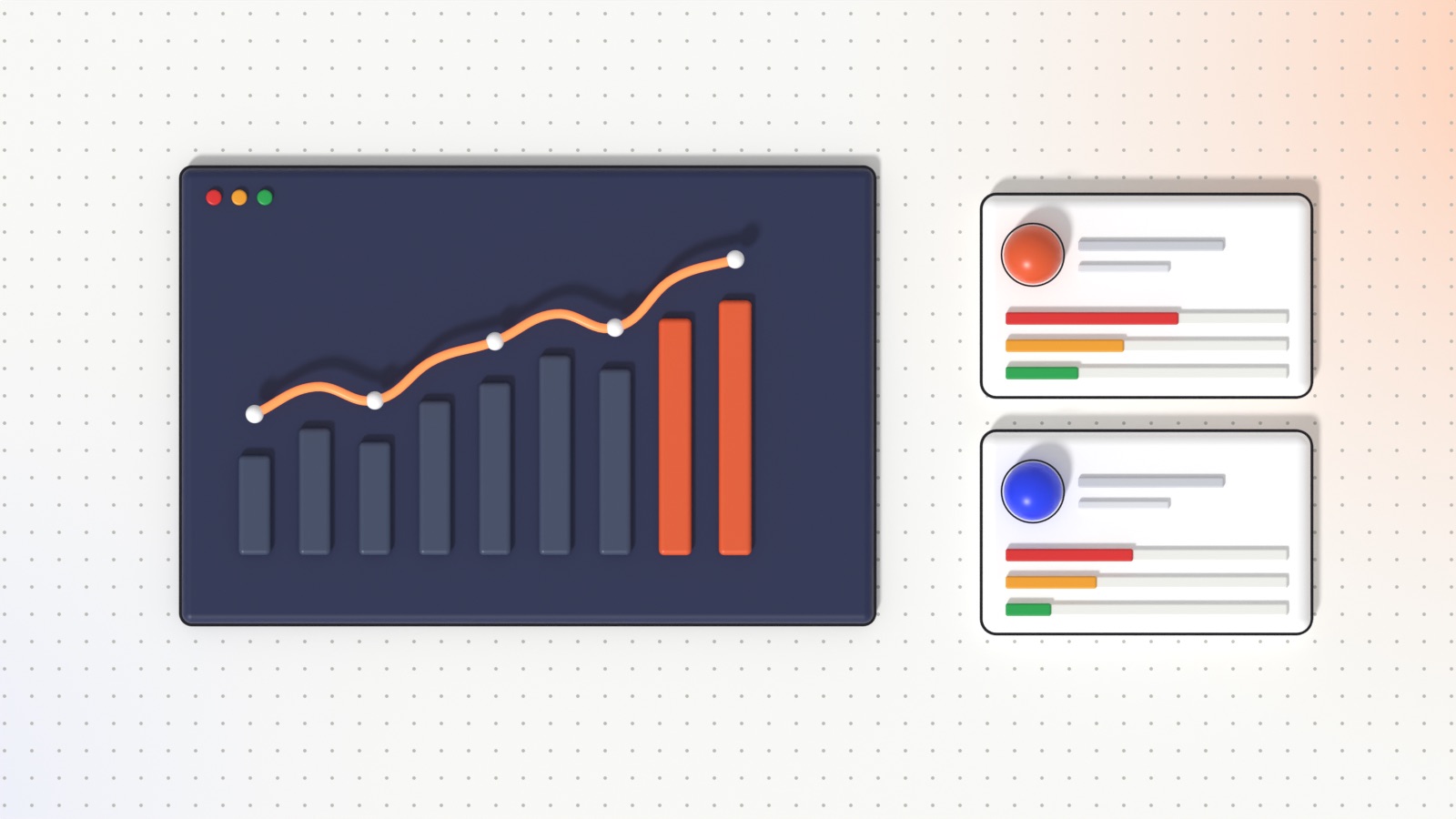
Dashboards show volumes, the valid-call rate and the breakdown of each metric. The agent view, as cards or as a table, can be sorted by any metric, searched instantly and exported to CSV, with a detail page for each agent.
Progress reports and coaching highlights
For one agent over a chosen period, SavvyTalk produces a progress report: the recurring weaknesses ranked by how often they occur (for example, “in 16 calls out of 35”) and the priority actions to work on. Trainers get a ready-made coaching plan instead of starting from raw scores.
MrSavvy, the AI assistant
Writing good criteria is a skill. MrSavvy helps you write and improve criteria and instructions; it proposes changes that you approve, and you can undo them.
Excel exports and operation templates
Choose operations, period and columns, preview, and download an .xlsx file for your own reporting. Configurations can be saved as private or shared templates so a new campaign starts in seconds.
Roles and audit trail
Each user only sees their own operations, sessions expire after inactivity and sensitive actions are logged. Pricing is pay-as-you-go in credits, based on call length and on the options enabled, with no per-seat subscription; details are on savvytalk.tn.

AI call analysis for call centers: every call transcribed, scored against your own criteria and turned into dashboards and coaching plans.
How to reason about ROI (without made-up numbers)
We will not quote an industry-wide percentage here: the return depends on your volumes, your margins and what a quality failure costs you. What you can do is build the business case with your own figures, in four blocks.
1. The cost of your current quality process
Take the number of calls reviewed manually per month, multiply by the average review time (listening plus scoring is usually longer than the call itself), and by the hourly cost of the people doing it. That is what you spend today, for the coverage you have today.
2. The cost of analyzing every call
Multiply your monthly call volume by the cost of analysis per call (on SavvyTalk, credits depend on call duration and on the metrics and options you enable), and add the time needed to set up and maintain the criteria. Compare with block 1, keeping in mind that coverage goes from a sample to 100%.
3. The value of what you currently miss
List the problems that sampling lets through and estimate their cost with your own data: a compliance incident, a mis-sold product that comes back as a complaint or a cancellation, a lead wrongly qualified, a customer lost after a badly handled call, a contractual penalty you cannot document. Even a small reduction in these events often weighs more than the cost of the tool.
4. The value of better coaching and better decisions
Faster onboarding of new agents, coaching focused on the right weaknesses, scripts and processes fixed because the data showed the problem: these gains are real but harder to attribute. Measure them on a pilot by comparing the same indicators before and after, on the same campaign.
A pilot on one campaign is the cheapest way to replace assumptions with your own numbers. Agree on the indicators before you start, and compare them after a few weeks of full coverage.
How to get started
- Pick one campaign or one queue with enough volume and a clear quality grid. For a BPO buyer, choose one outsourced activity and involve the provider from the start.
- Write five to ten criteria in plain language, based on your current grid, your script and your compliance requirements. Decide for each one whether it is Yes/No, a number or a list.
- Test on your real calls. Analyze a set of recordings, in the languages and accents your customers actually use, and read the verdicts and quotes critically.
- Calibrate against human QA: have your quality team score the same calls and compare. Where they disagree, refine the wording of the criterion. This step is what makes the results trusted.
- Connect the source: install the collection agent or connect through the API so that new calls arrive automatically.
- Build the routines: weekly dashboard review, monthly progress reports per agent, and for outsourced activities a shared review with the provider.
- Scale to other campaigns using templates, and add metrics as new questions come up.
Two points deserve attention from day one: data protection (who can access recordings and transcripts, how long they are kept, how customers are informed that calls are recorded) and change management (explain to agents that the goal is fair, complete feedback and targeted coaching, not surveillance).
Conclusion: from listening to a few calls to understanding all of them
Call transcription and AI call analysis do not replace your quality team or your trainers; they give them complete, consistent and quotable information on every call. For call centers, that means better quality, stronger compliance and coaching that actually changes behavior. For companies that outsource their customer service, it means finally seeing what happens on every call handled in their name.
Want to see it on your own calls? Visit savvytalk.tn to explore the product, see the Savvy Suite on our products page, or contact us for a personalized demo: we set up an operation with your criteria and you judge the results on a few of your own recordings.
AI call analysis for call centers: every call transcribed, scored against your own criteria and turned into dashboards and coaching plans.
FAQ
What is AI call analysis?
Software that transcribes recorded calls and assesses each transcript against criteria you define, such as script steps, compliance mentions, empathy or call outcome, producing verdicts, justifications and quotes for every call.
How is it different from traditional call monitoring?
Traditional monitoring relies on a person listening to a small sample of calls. AI call analysis applies the same criteria to every recorded call and backs each verdict with the exact passage from the conversation.
Why would a company that outsources its customer service need it?
Because it is accountable for calls it does not handle itself. Analysis on 100% of calls gives the client and the provider a shared, factual view of quality, compliance and SLA-related criteria, instead of relying on reports and occasional call reviews.
Do we need to change our telephony system?
No. SavvyTalk works on the recordings you already have: a collection agent can pick them up from your call database and recording server, or recordings can be sent through an API or uploaded manually.
Can we use our own quality grid?
Yes. Criteria are written in plain language, so your existing grid becomes the configuration. Each criterion can be Yes/No, a number within a range or a value from a list, and the MrSavvy assistant helps you refine the wording.
Which languages are supported?
Transcription quality depends on the language, accents and audio quality of your calls. The right approach is to test on a sample of your real recordings before deciding, which is what the personalized demo is for.
How is SavvyTalk priced?
Pay as you go, in credits, with no per-seat subscription. The number of credits depends on call duration and on the options you enable, such as custom metrics or web search. Contact us for the credit price and packages.