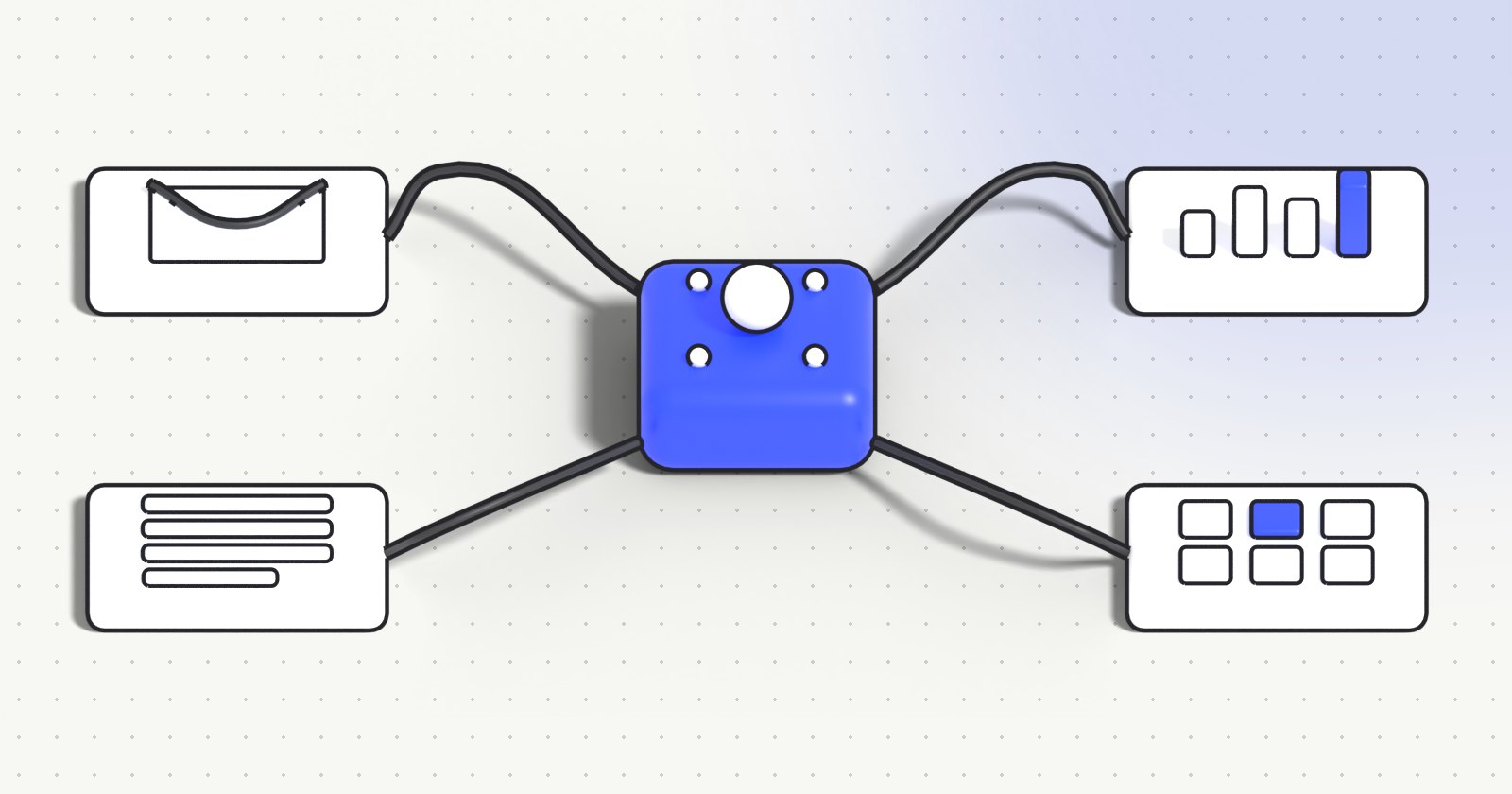
- An AI agent is an AI that does not just answer: it plans, uses your tools and completes a task.
- The best first use cases are repetitive, rule-heavy processes: email and ticket triage, CRM updates, document processing, follow-ups.
- Tools like n8n make AI automation affordable for SMEs, but data access and human checkpoints still need careful design.
- Start small: one process, one measurable goal, a human in the loop, then extend.
“AI agent” has become one of the fastest-growing searches in AI: in France, interest in the term almost doubled in the last three months. Behind the buzzword is a simple idea that changes how companies use AI. Instead of asking a chatbot a question and copying the answer somewhere, you give an AI a goal, access to the right tools, and it does the work.
What is an AI agent?
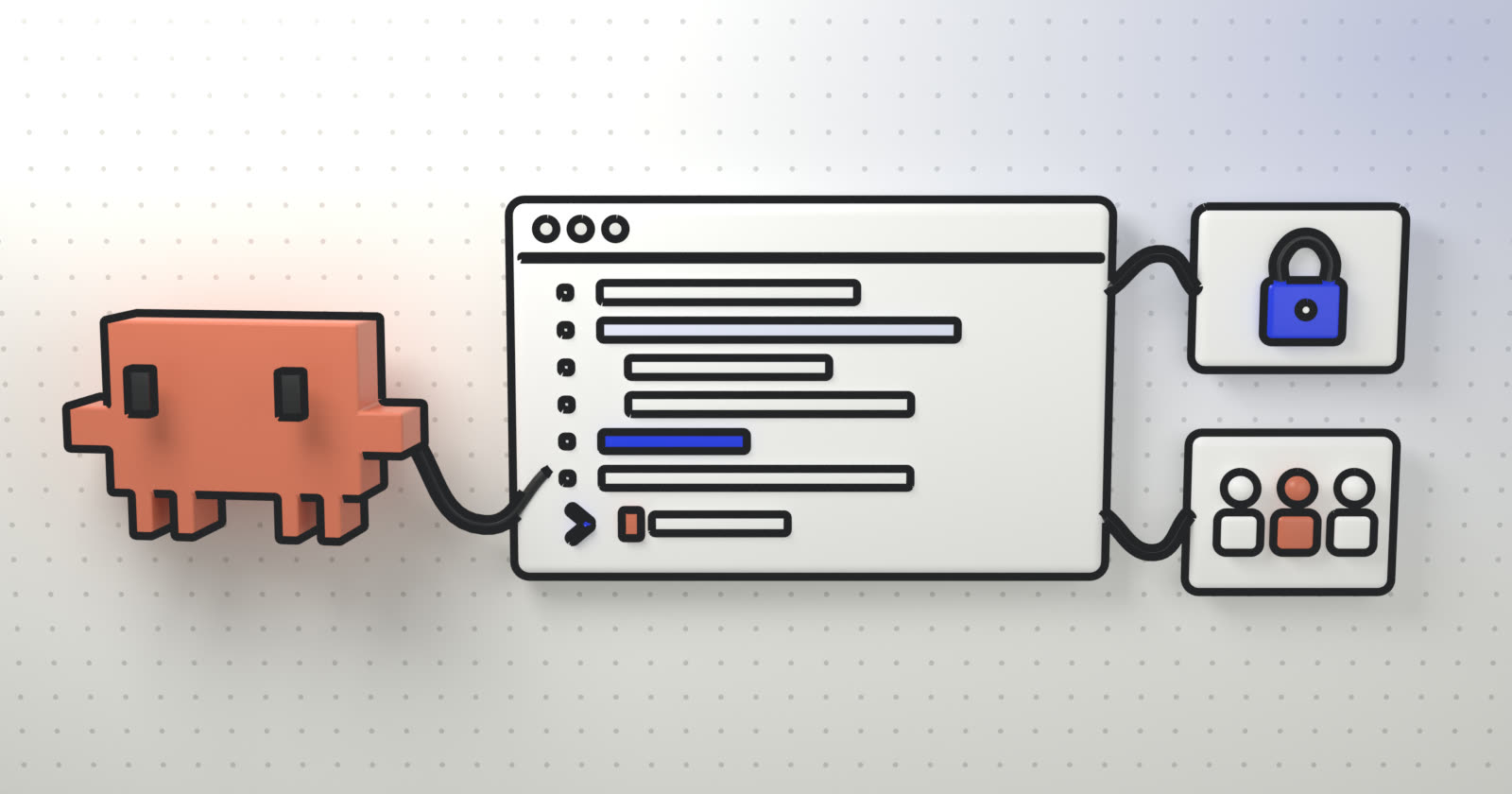
An AI agent is a program built around a large language model (LLM) that can decide which steps to take and act on your systems to reach a goal. A typical agent combines four elements:
- A model (GPT, Claude, Gemini, Llama, Mistral…) that understands the request and reasons about the next step.
- Tools: your email, CRM, ERP, calendar, databases or internal APIs, which the agent can read and update.
- Knowledge: your documents and procedures, usually connected through retrieval-augmented generation (RAG), so answers are grounded in your data.
- Rules and checkpoints: what the agent is allowed to do alone, and when a human must validate.
AI agent vs chatbot vs classic automation
| Chatbot | Classic automation | AI agent | |
|---|---|---|---|
| What it does | Answers questions | Runs fixed “if this, then that” rules | Reaches a goal, choosing the steps |
| Handles messy input (emails, PDFs, voice) | Partly | No | Yes |
| Acts in your tools | Rarely | Yes | Yes |
| Best for | FAQ, support | Stable, structured processes | Variable processes that still follow business rules |
In practice, the best systems combine both: deterministic automation for the parts that never change, and an agent for the parts that need understanding.
7 practical AI agent use cases for business
1. Email and ticket triage
The agent reads incoming messages, understands the request, tags and routes it to the right team, drafts a reply and creates the ticket. Your team only validates and handles the complex cases.
2. Sales assistant and CRM updates
After each meeting or call, the agent summarises the conversation, updates the CRM, schedules the follow-up and drafts a personalised proposal from your templates.
3. Document processing
Invoices, purchase orders, contracts, forms: the agent extracts the data, checks it against your rules (amounts, dates, missing fields) and pushes it into your ERP, flagging anomalies for review.
4. Customer support on your own knowledge
An assistant connected to your help center and product documentation answers customers 24/7 with cited sources, and hands over to a human agent with the full context when needed.
5. Internal knowledge assistant
Employees ask questions about HR policies, procedures or internal tools in plain language and get an instant, sourced answer instead of searching shared drives.
6. Reporting and monitoring
Every morning the agent collects figures from several tools, writes a short summary of what changed and alerts the right person when a threshold is crossed.
7. Voice agents for calls
The same principles applied to the phone: an AI voice agent answers or places calls, qualifies requests, books appointments and sends a written report. We explain this in detail in our article on contact center AI.
Which tools to build AI agents with?
There is no single right stack; it depends on your systems, your data constraints and how much custom logic you need.
- Workflow platforms such as n8n: visual automation with AI steps, self-hostable, ideal for connecting many tools quickly. A good fit for SMEs and for prototyping.
- Agent frameworks and model APIs: for agents with complex logic, custom interfaces or high volumes, built in code on top of the model providers’ APIs.
- Open-source models hosted on your servers: when data must not leave your infrastructure.
Choosing the model is rarely the hard part. The real work is giving the agent clean access to your data, defining what it may do alone, and measuring whether it actually saves time.
Risks and how to manage them
- Errors and hallucinations: ground the agent in your data (RAG), restrict its actions, and keep human validation on anything sensitive.
- Data protection: decide which data the agent can see, where it is processed, and log every action. In Europe, this also means GDPR and, increasingly, the EU AI Act.
- Costs: model usage is billed per volume; a well-designed agent uses the smallest model that does the job and caches what it can.
- Adoption: an agent nobody trusts is not used. Train the people who work with it and show them how it decides.
How to start an AI agent project
- Pick one process that is frequent, time-consuming and well understood by your team.
- Define the success metric: hours saved, response time, error rate.
- Build a prototype on real data with a human validating every action.
- Measure, then widen the agent’s autonomy step by step where results are good.
- Train the team so the system is understood and owned internally.
This is exactly how we work at 123 Consultancy: we design and build custom AI agents and automations, and we train your teams to run them.
FAQ
What is an AI agent in simple terms?
An AI that can carry out a task for you, not just answer a question: it understands the goal, decides the steps and uses your tools (email, CRM, documents) to complete it, with the checks you define.
What is the difference between an AI agent and a chatbot?
A chatbot answers questions. An AI agent acts: it reads, decides and updates your systems to complete a task, for example triaging an email, updating the CRM and drafting the reply.
Is n8n a good tool for AI automation?
Yes for many companies: it connects hundreds of tools, supports AI steps and can be self-hosted. For complex logic, high volumes or custom interfaces, agents are usually built in code.
Are AI agents safe for company data?
They can be, if access is limited to what is needed, data is processed where your policy allows (including private or European hosting), actions are logged and sensitive steps require human validation.